
Last Updated: September 4, 2026
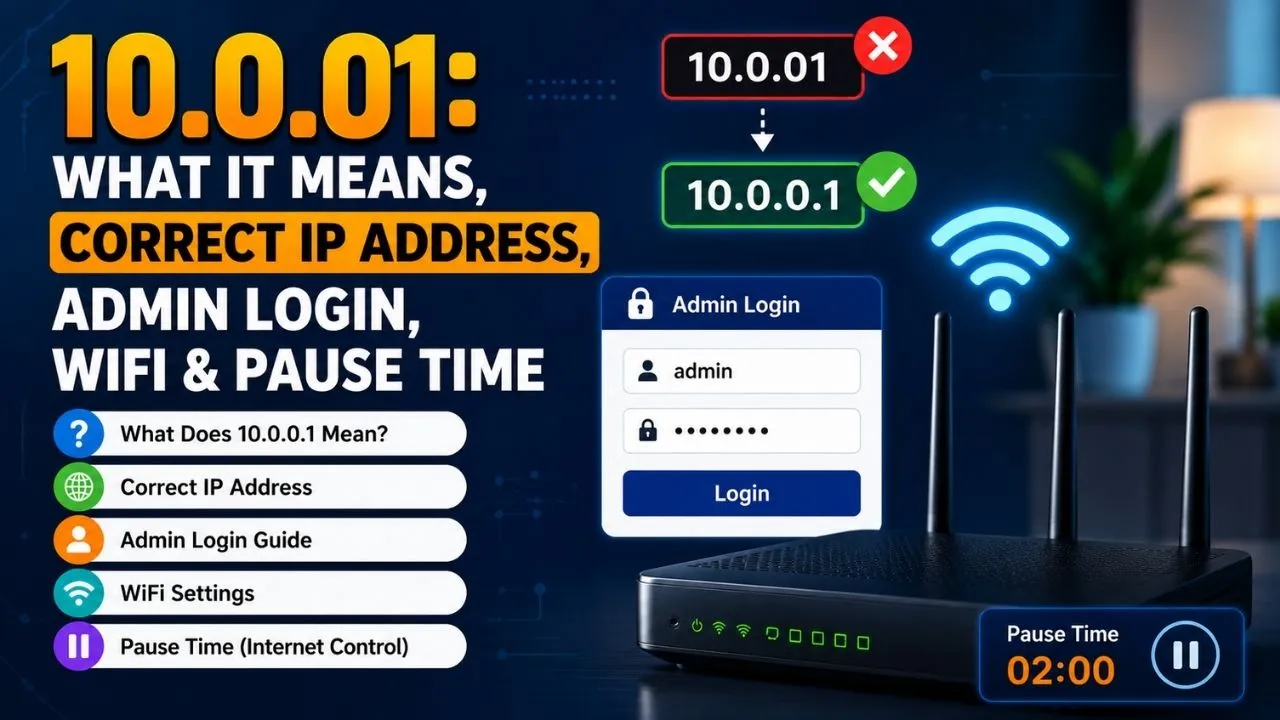
If you have searched for 10.0.01, you are most likely looking for the private router IP address 10.0.0.1. The two addresses are not the same: 10.0.01 is an incomplete or incorrectly formatted IPv4 address, while 10.0.0.1 contains four numerical sections separated by three dots. This small typing mistake is one of the most common reasons users cannot reach their router’s login page.
The correct address, 10.0.0.1, is commonly used as a local gateway by some routers, broadband gateways and Piso WiFi systems. It can provide access to network settings such as the WiFi name, password, connected devices and security options.
This guide explains what 10.0.01 means, how to use the correct 10.0.0.1 address, what 10.0.0.1/admin does, how WiFi settings work and why people search for 10.0.0.1 pause.
What Is 10.0.01?
10.0.01 is generally a typo for 10.0.0.1. A standard IPv4 address consists of four numerical octets separated by periods. Therefore, the correctly formatted address is:
10.0.0.1
Not:
- 10.0.01
- 10.0 0.1
- 10.0.0.01
- 10.0.0.0.1
- 10001
The address 10.0.0.1 belongs to the private IPv4 range and is used inside local networks rather than as a public internet address. A router can assign it as its default gateway, allowing connected devices to communicate with the router and access its local configuration interface.
This also means that simply typing 10.0.0.1 into a browser from an unrelated internet connection will not normally open somebody else’s router. You generally need to be connected to the relevant network.
10.0.0.1 vs 10.0.01: What Is the Difference?
The difference is straightforward. 10.0.0.1 is a complete IPv4 address, whereas 10.0.01 is missing an octet separator.
Think of an IPv4 address as four separate numbers:
10 | 0 | 0 | 1
Each section is separated by a dot. Removing one of those dots changes the format and can prevent your browser from reaching the intended local gateway. WhatIsMyIP specifically warns users not to remove the dots when entering 10.0.0.1.
Therefore, if you searched for 10.0.01, try entering http://10.0.0.1 in your browser’s address bar instead.
How to Log In to 10.0.0.1
If your router actually uses 10.0.0.1 as its gateway, accessing the administration page is relatively simple.
Step 1: Connect to Your Router
Connect your computer or smartphone to the router using WiFi or an Ethernet cable. You need to be connected to the network associated with the router you want to configure.
Step 2: Open a Browser
Open Chrome, Edge, Firefox, Safari or another browser.
Step 3: Enter the Correct Address
Type:
into the browser’s address bar, not the Google search box.
If the router uses this gateway, its login or configuration page should appear.
Step 4: Enter Your Credentials
Enter the administrator username and password requested by the router.
Do not automatically assume that admin/admin or admin/password will work. Older devices may have used common default combinations, but modern routers frequently use unique credentials, credentials printed on the device or passwords created during setup.
What Is 10.0.0.1/admin?
The search term 10.0.0.1/admin generally refers to an administrator page located at:
Some router and Piso WiFi systems may use an /admin path for their management interface. However, it is not a universal requirement. Many devices simply open their management interface directly at http://10.0.0.1.
If /admin does not work, first try the base address:
The exact interface depends on the manufacturer and firmware installed on the router or network device.
What Can You Do From the 10.0.0.1 Admin Panel?
Once authenticated, the available settings depend on your router model. Common options can include:
- Changing the WiFi network name (SSID)
- Changing the WiFi password
- Viewing connected devices
- Managing LAN and WAN settings
- Configuring wireless settings
- Adjusting security options
- Configuring DNS settings
- Updating firmware
- Managing guest networks
- Controlling certain network-access features
The administration interface is therefore much more than simply a login screen. It provides local control over the network.
- Check Also: 192.168.1001.1: Router Login Fix & Correct IP
10.0.0.1 WiFi: How Is It Related?
The phrase 10.0.0.1 WiFi usually refers to accessing or changing the WiFi settings through a router’s local management page.
For example, after opening 10.0.0.1 and signing in, a compatible router may allow you to change the SSID and wireless password. Some interfaces also provide connected-device management and security controls.
Changing your WiFi password is particularly useful if you believe someone else has access to your network. Choose a strong, unique password rather than a predictable name, phone number or other personal information.
You can also consider enabling a guest network when supported. This lets visitors connect without giving them your primary WiFi password.
What Does 10.0.0.1 Pause Mean?
The keyword 10.0.0.1 pause is particularly associated with Piso WiFi systems.
Piso WiFi is a coin-operated or paid public WiFi system commonly encountered in the Philippines. In supported systems, users purchase a certain amount of internet time. A Pause feature can temporarily stop the session timer so that remaining purchased time can be used later.
For example, suppose a user purchases 60 minutes and uses 20 minutes. If the system supports pause functionality and the user activates it, the remaining approximately 40 minutes can remain available until the session is resumed.
The exact behavior depends on the Piso WiFi software and configuration. Not every router using 10.0.0.1 will have a Pause option.
Why Is 10.0.0.1 Not Opening?
If 10.0.0.1 does not load, there are several possible explanations.
1. The IP Address Is Wrong
Your router might use another private gateway such as 192.168.1.1 or 192.168.0.1.
2. You Are on the Wrong Network
Make sure your device is connected to the router whose settings you want to access.
3. You Typed 10.0.01
Remember that 10.0.01 is not the correct format. Use 10.0.0.1.
4. You Used the Search Box
Don’t search Google for the address. Enter http://10.0.0.1 directly into your browser’s address bar.
5. VPN or Network Configuration Is Interfering
A VPN, proxy or unusual network configuration can sometimes interfere with access to a local router interface.
6. Your Router Uses a Different Gateway
The router’s actual default gateway can be checked from your device’s network information. On Windows, ipconfig can show the default gateway; macOS provides equivalent network-route information.
Is 10.0.0.1 Safe?
10.0.0.1 itself is not inherently dangerous. It is a private network address. The security of the router depends largely on how the device is configured.
After gaining legitimate administrator access, change any default administrator password, use strong WiFi security, keep router firmware updated and avoid sharing administrator credentials.
You should also avoid factory-resetting a router unless necessary. A reset can remove customized settings, including network configuration and port-forwarding rules.
Final Takeaway on 10.0.01
The term 10.0.01 is usually a mistyped version of 10.0.0.1, a private IPv4 gateway used by some routers and network systems. If you’re trying to access router settings, enter http://10.0.0.1 directly into your browser while connected to the relevant network. The 10.0.0.1/admin path may work on some devices, while others use the main address. The related 10.0.0.1 WiFi search generally concerns changing wireless settings, whereas 10.0.0.1 pause is commonly associated with pause-and-resume functionality on supported Piso WiFi systems.
FAQs
No. The commonly intended address is 10.0.0.1.
Connect to the relevant network and enter http://10.0.0.1/admin in your browser if your device supports that path.
It can provide access to router WiFi settings such as the SSID, password and connected-device controls.
On supported Piso WiFi systems, it can refer to temporarily pausing a paid internet session so remaining time can be used later.