So many users go through “What Is My IP” after noticing websites tracking their location, showing different prices, or blocking certain content. Most users see an IP address as a random number, yet it quietly controls how devices connect online every second. It is dependent on your phone, laptop, smart TV and your gaming console.
Internet Privacy begins to make sense once you have understood how IP addresses work. Websites estimate your location using your IP; they detect suspicious activity and personalize your browsing experiences. Simultaneously, it can also be used by advertisers, apps and providers of the internet to gather information. That is why users usually verify their network information when they use VPNs, public Wi-Fi, or mobile networks.
This article discusses the functionality of IP addresses, the distinction between public and private IP addresses, the information that can be gained by websites through IP addresses, and how users can hide their online identity in a way that is more secure. You will also understand IPv4, IPv6, VPN protection, and practical privacy tips that regular users actually use.
Key Highlights of “IP Address”
| Feature | Details |
| Full Form | Internet Protocol Address |
| Main Purpose | Identifies devices on the internet |
| Assigned By | Internet Service Provider (ISP) |
| Used For | Internet communication and routing |
| Visible To | Websites, apps, and networks |
| Common Versions | IPv4 and IPv6 |
| Can Reveal Location | Yes, approximate location |
| Helps With | Browsing, streaming, gaming, emailing |
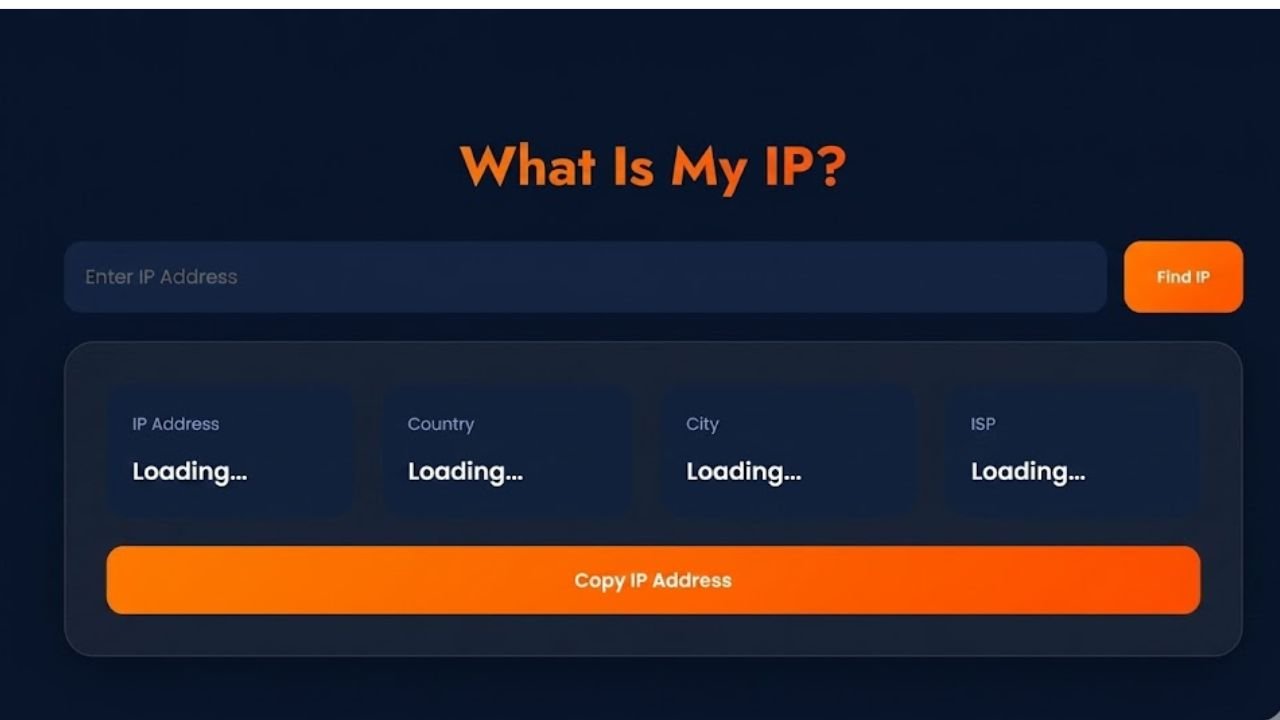
What Is My IP?
My IP belongs to the company, so when any employee or worker wants to check the current internet connection linked to their device. The result usually shows a unique number along with location details, internet provider name, and network region. One commonly accessed IP is when using a VPN, troubleshooting their network, visiting restricted sites, or checking the privacy settings on their internet. The visible IP may vary depending on the network, e.g. Wi-Fi at home, office, or mobile data.
Although Search engines and IP checker tools quickly display this information, websites detect your public connection automatically whenever you browse online. Other users also check their IP to see whether their location is visibly changed with a VPN. Internet protocol detection is used in businesses, streaming services, and websites to check on security, delivery of content and regional access settings. That is why checking your IP address has become common among regular internet users.
What Is an IP Address and How Does an IP Address Work?
An IP address serves as an online address for devices over the internet. When connected online, phones, laptops, gaming consoles, tablets, and even smart TVs receive one. Websites identify this address to retransmit the information to the appropriate device. When someone opens YouTube or searches on Google, servers identify the request through the IP address first. Without that system, internet communication would stop working completely.
Your IP address also helps platforms detect location, improve security, and manage network traffic. Banking apps often monitor IP changes to prevent suspicious logins. Streaming platforms use IP data to decide which shows are available in each country.
Main Functions of an IP Address
| Function | Why It Matters |
| Device Identification | Helps websites recognize devices |
| Data Routing | Sends information correctly |
| Location Detection | Estimates user region |
| Security Monitoring | Detects suspicious activity |
| Internet Communication | Connects networks globally |
People usually search What Is My IP when testing a VPN, checking internet settings, or troubleshooting network issues.
IPv4 vs. IPv6 Addresses
The internet currently uses two major IP systems called IPv4 and IPv6. Both handle online communication, although they differ in structure and capacity. IPv4 is the older system and still powers most internet traffic. It uses shorter number combinations such as 192.168.1.1. IPv6 arrived later because the world needed billions of additional internet addresses for growing numbers of connected devices.
Difference Between IPv4 and IPv6
| Feature | IPv4 | IPv6 |
| Structure | 32-bit | 128-bit |
| Address Capacity | Around 4 billion | Nearly unlimited |
| Speed Efficiency | Standard | Better routing |
| Security Support | Basic | Improved |
Smart home devices, wearable technology, and connected appliances increased the need for IPv6. That growth continues every year as more devices connect online.
How to Hide Your IP Address and Browse Privately?
Subsequently, many users are asking What Is My IP after noticing sites monitor their city, they charge differently or they block contents on the websites in specific countries. When you go online, your IP addresses continue to broadcast the details of your network without you being aware. Because of that, people often look for ways to change or hide it for better privacy.
A VPN remains the simplest and most practical option. It routes your internet traffic through another secure server and replaces your visible IP with a different one. As a result, websites and apps no longer see your original network location. Someone browsing from India can appear to browse from the UK, Canada, or Singapore within seconds.
Changing an IP address also helps users while traveling. Streaming platforms, banking apps, and shopping websites sometimes behave differently based on region. A changed IP can help maintain account access and improve browsing security on public Wi-Fi.
Easy Ways to Change an IP Address
| Method | Purpose | Difficulty |
| VPN | Hide real IP and improve privacy | Easy |
| Restart Router | Refresh dynamic IP | Easy |
| Mobile Data | Switch network IP | Easy |
| Proxy Server | Basic IP masking | Medium |
| Tor Browser | Advanced anonymity | Advanced |
A travel creator once tested airline prices while switching VPN regions. The same flight showed different pricing depending on the visible IP location. That small experiment proved how heavily websites depend on location-based systems.
Why Every Internet User Has a Public IP Address?
Every internet connection depends on a public IP address. Your internet provider assigns it whenever your network goes online. Websites, apps, streaming services, and gaming platforms all rely on it to communicate with your device. For example, when someone streams a movie online, the platform sends video data through the public IP connection attached to that network. The same process happens while sending emails, browsing websites, or joining online games.
Public IP addresses also support cybersecurity systems. Many banks and apps track unusual location changes to stop fraud attempts. If an account suddenly logs in from another country, security checks may appear immediately.
Features of Public IP Addresses
| Feature | Description |
| Visible Online | Yes |
| Assigned By | ISP |
| Unique Worldwide | Yes |
| Used for Browsing | Yes |
One common feature of a home network will be the sharing of a single public IP address among several devices. All phones, laptops and televisions share a common internet use and have various private IP addresses individually.
Difference Between Public and Private IPs
Most users do not realize that devices often use two different IP systems at the same time. Public IPs link networks to the internet but the communication within the local networks are arranged using private IPs. For example, your Wi-Fi router allocates your own IP addresses to phones, printers, and smart TVs. Those devices communicate internally while sharing one public internet connection.
| Feature | Public IP | Private IP |
| Visible on Internet | Yes | No |
| Assigned By | ISP | Router |
| Used Outside Network | Yes | No |
| Security Exposure | Higher | Lower |
This setup improves network efficiency and reduces unnecessary internet exposure for internal devices.
What Your IP Address Reveals About Your Online Activity
People searching What Is My IP often become surprised after seeing how much information websites can estimate through a single network connection. Your IP address may reveal your country, city, internet provider, and approximate location. Although it usually cannot expose an exact home address, websites still use IP-based tracking heavily. Ecommerce stores display local currency based on IP location. Streaming services adjust content availability. Advertisers target users according to browsing regions and online behavior.
A digital marketer once tested ad campaigns while switching IP regions through a VPN. The advertisements changed within minutes because platforms automatically adjusted targeting based on the visible location.
Information an IP Address May Reveal
| Data Type | Usually Visible |
| Country | Yes |
| Region or State | Often |
| City | Usually |
| ISP Name | Yes |
| Exact Street Address | Rarely |
Internet providers can also monitor parts of browsing activity. While encrypted websites protect page content, providers still detect visited domains and overall traffic behavior.
Risks Linked to Exposed IP Addresses
| Risk | Impact |
| Tracking | Browsing habits monitored |
| Targeted Ads | Personalized advertising |
| DDoS Attacks | Network disruption |
| Region Restrictions | Limited content access |
Because of these concerns, many users now check What Is My IP regularly while using VPNs or public networks.
How ExpressVPN Helps Secure Your Internet Connection
VPN services can assist users to secure online browsing and curtail online tracking. ExpressVPN is one of the most popular choices as the company uses encrypted browsing, high-speed connections, and offers different locations of servers. After users have connected via a VPN server, websites do not view the initial IP address. Rather, they identify the location of the VPN. This additional privacy doubling feature is particularly helpful when accessing the internet via the Wi-Fi at an airport, cafe, or hotel.
Features Users Commonly Look For in VPN Services
| Feature | Benefit |
| Encryption | Protects browsing traffic |
| Global Servers | Changes visible location |
| No-Logs Policy | Better privacy |
| Fast Speeds | Smoother streaming |
| Device Compatibility | Works on multiple devices |
Conclusion
Searching What Is My IP usually begins with curiosity, yet it quickly helps users understand how internet connections actually work. Every online activity depends on IP communication, from streaming videos to sending emails and browsing websites. Meanwhile, location and networks are also useful information that is discovered through those connections.
Online privacy can be easily controlled as soon as users are aware of the distinction between public and private IP addresses, online privacy becomes easier to manage. Internet safety is enhanced by VPN services, safe Internet browsing, and careful monitoring of the network. With a bit of basic actions, the level of privacy, security and control can be vastly increased in the process of browsing, with time.